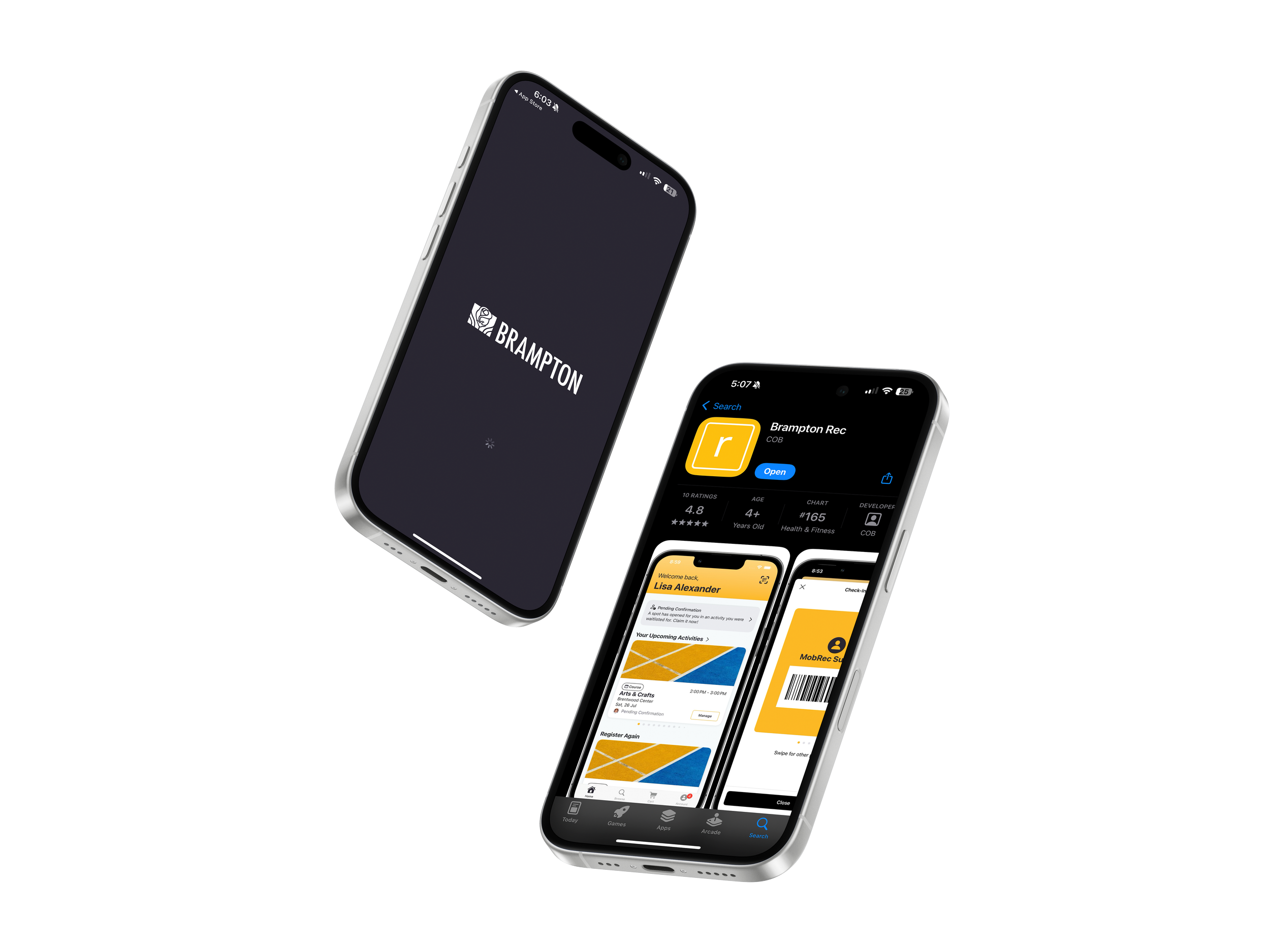
City of Brampton -
Recreation App
Key Challenges
With over 700,000 residents seeking to register for recreation programs, events, and activities, the City needed a scalable solution to handle high-volume traffic, streamline the registration process, and improve accessibility for diverse user groups.
In partnership with Xplor Recreation, The City of Brampton Recreation were able to provide a modern and efficient solution to residents.
Enhancing Recreation Access for Brampton Residents
Web Design • Usability Testing • UX Design • Municipal App • 2025
My Role:
Visual Design: Created app icons for Android/iOS and curated course imagery
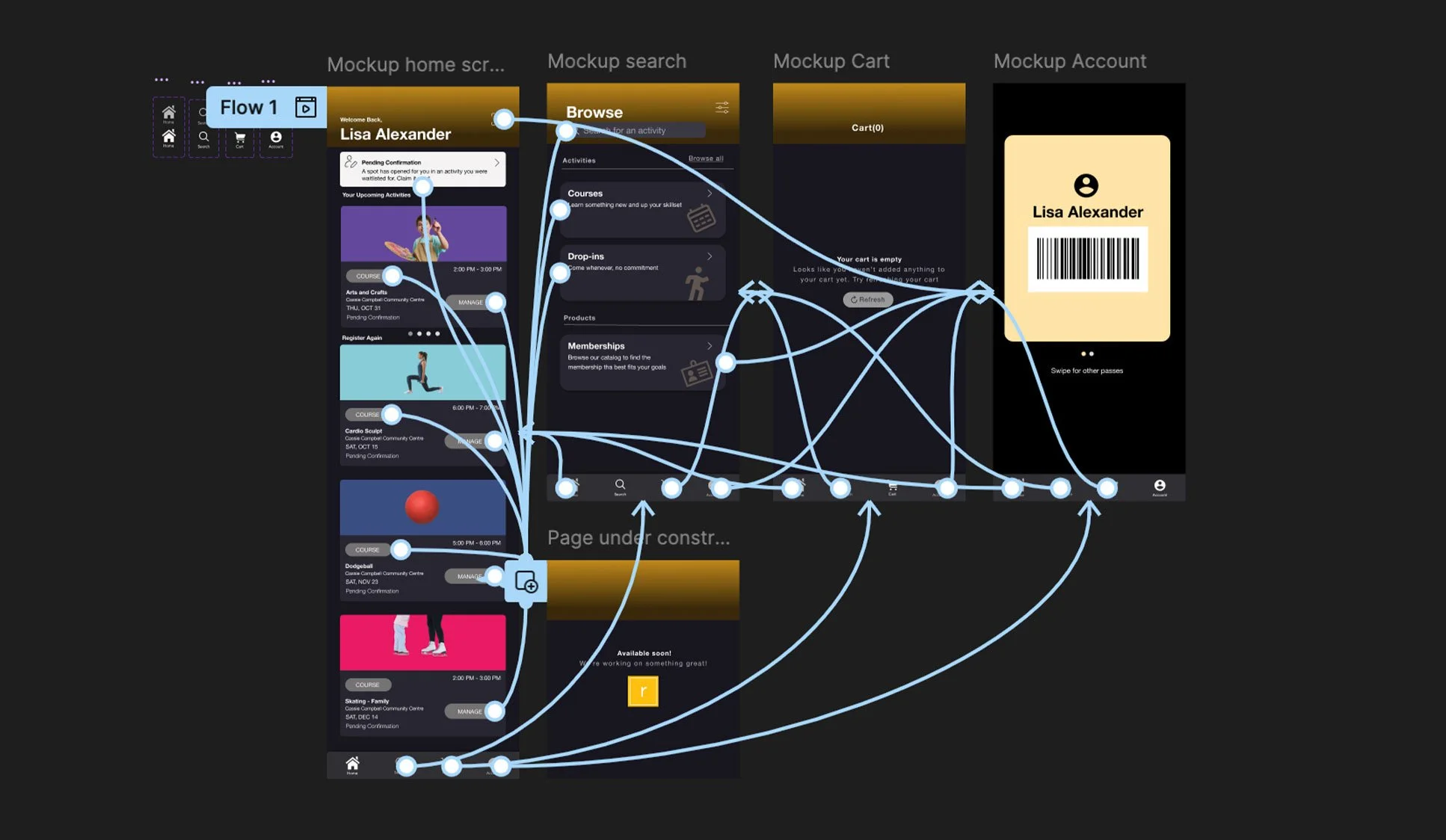
UX and UI Design: created wireframes and built initial prototypes.
User Education: Developed video tutorials demonstrating app functionality
User Research: Facilitated usability testing through focus groups and public booth sessions with City of Brampton Admin Team
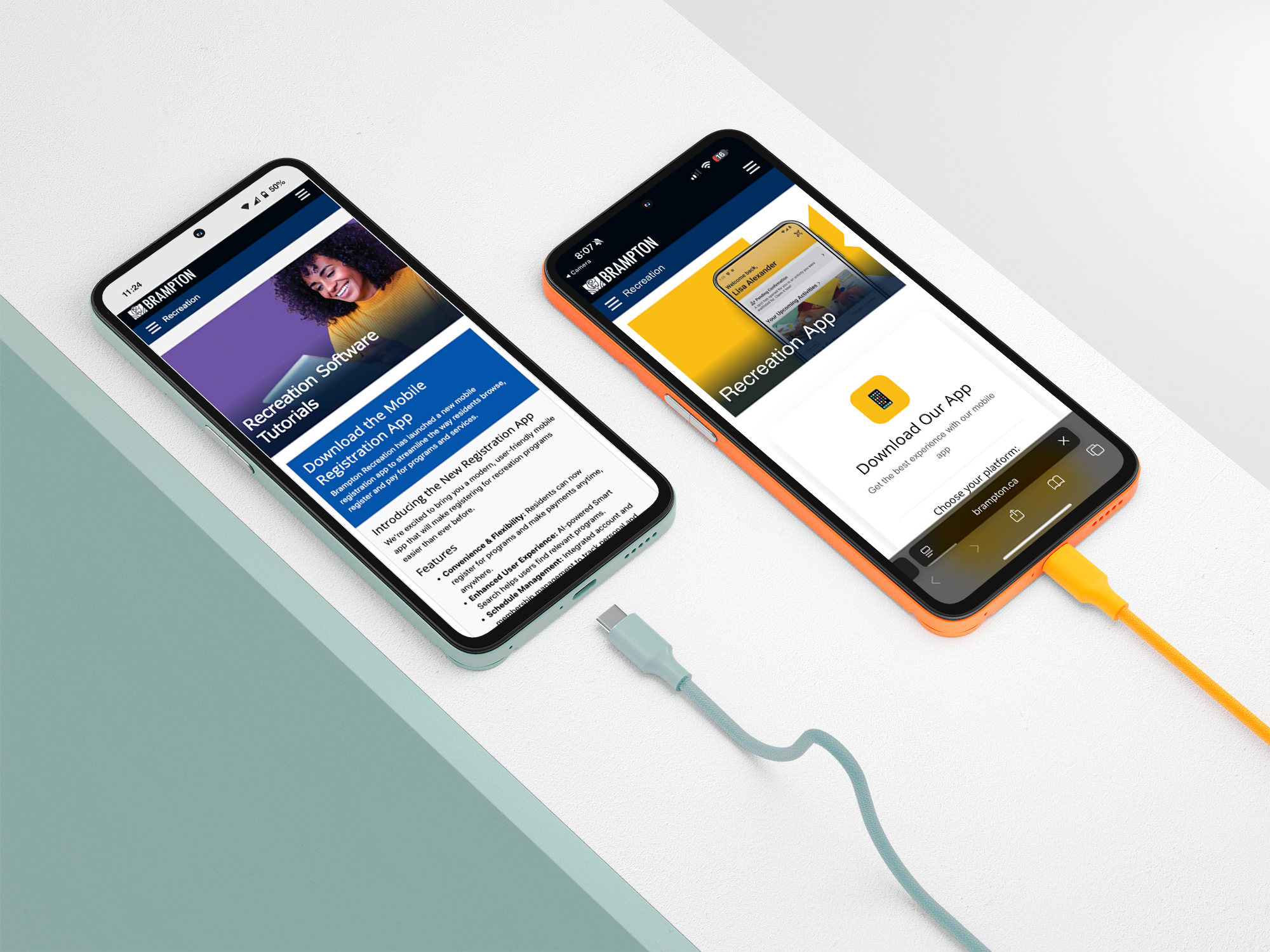
Technical Implementation: Built smart landing page with device detection that routes users to correct app store
Icon Design Process Overview
The initial design exploration focused on representing Brampton Recreation's diverse Lines of Business, each with its own distinct
brand color.
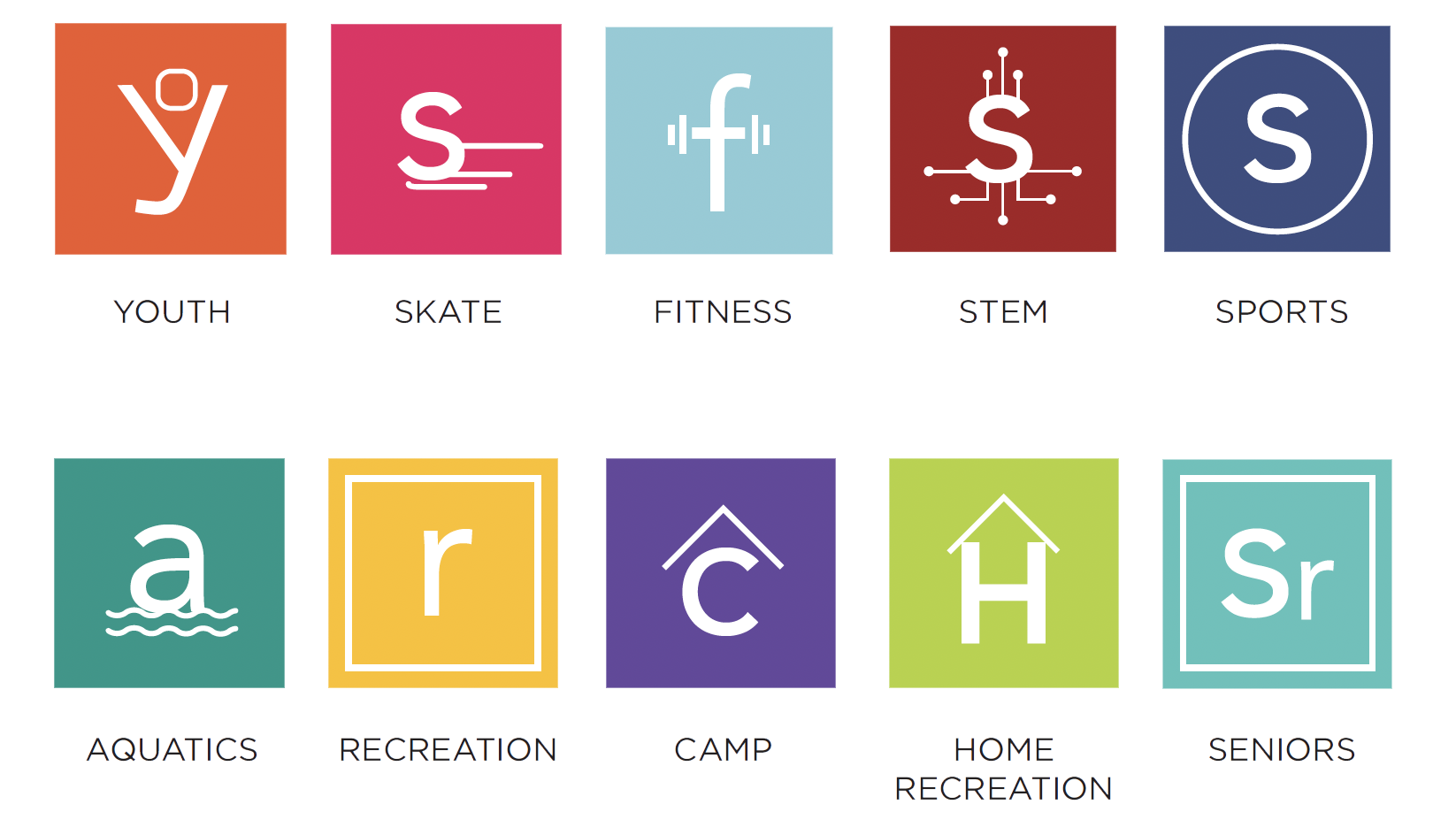
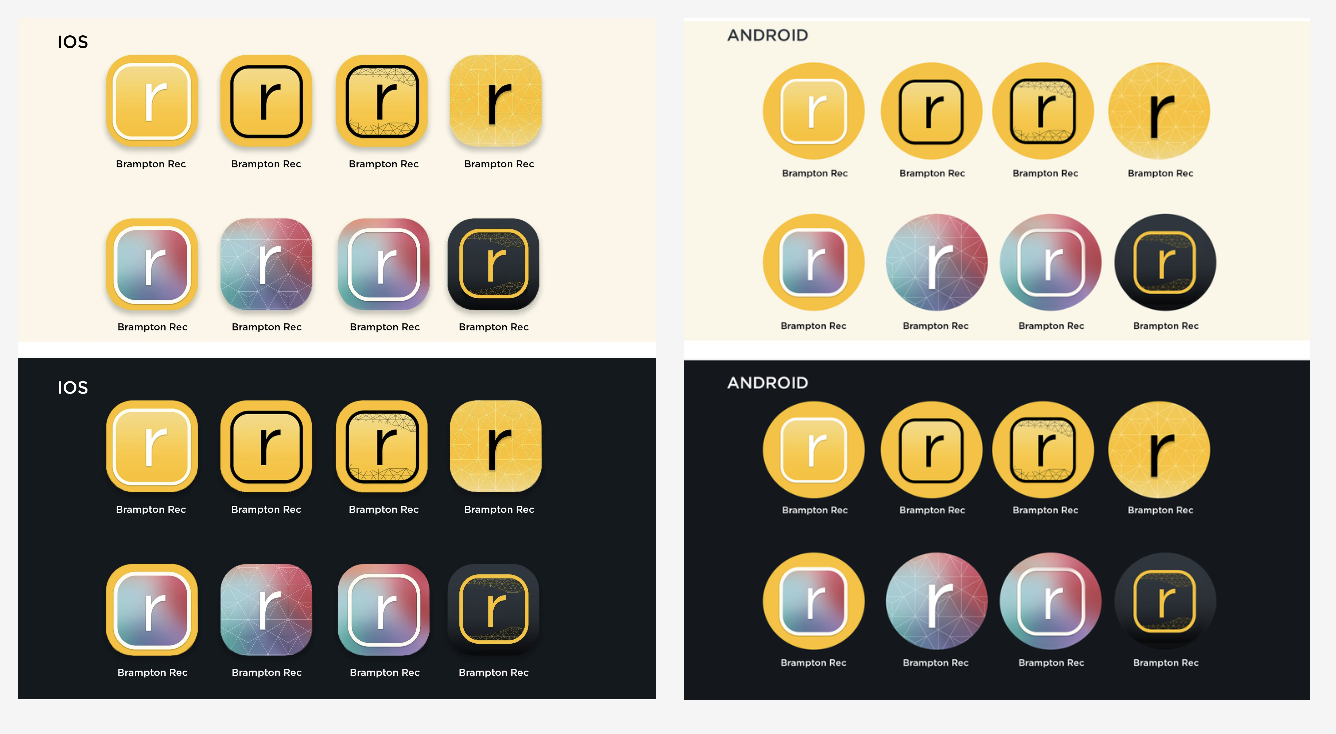
However, through stakeholder feedback and usability testing, we determined that a unified approach would create stronger brand recognition and reduce visual confusion across app stores.
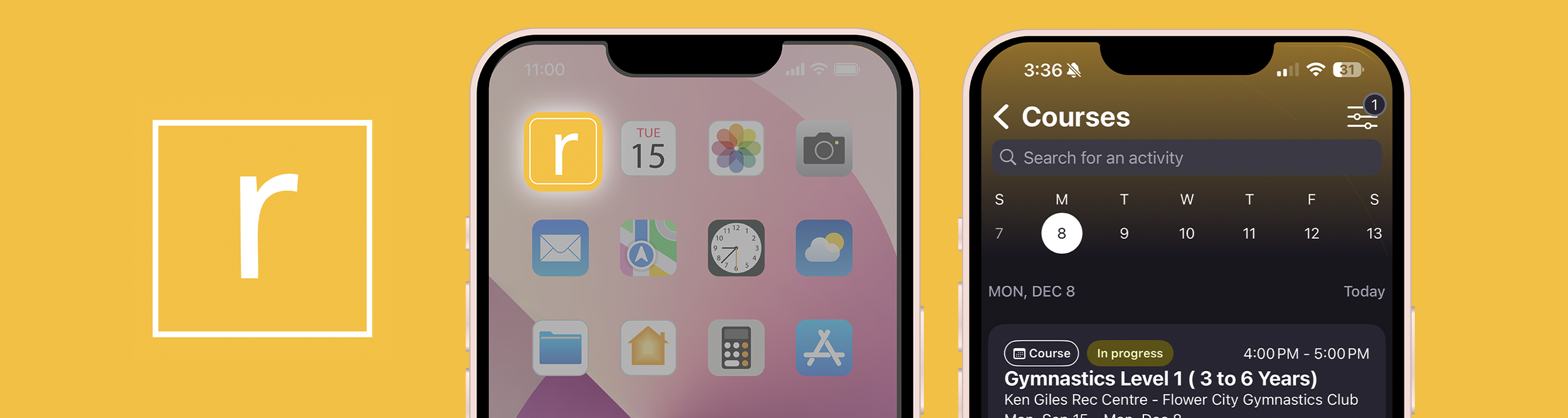
The final design adopted Recreation's signature yellow brand color, ensuring consistency with existing marketing materials and improving immediate recognition for residents.


Target Users for the App
The primary target users for this project include Brampton residents across all age groups and tech-literacy levels who engage with recreation programs and services, including:
Families: Parents registering children for programs and managing household memberships.
Adults and Seniors: Individuals accessing fitness classes, wellness programs, and community activities.
Youth: Teens and young adults pursuing certifications, employment, and recreational opportunities.
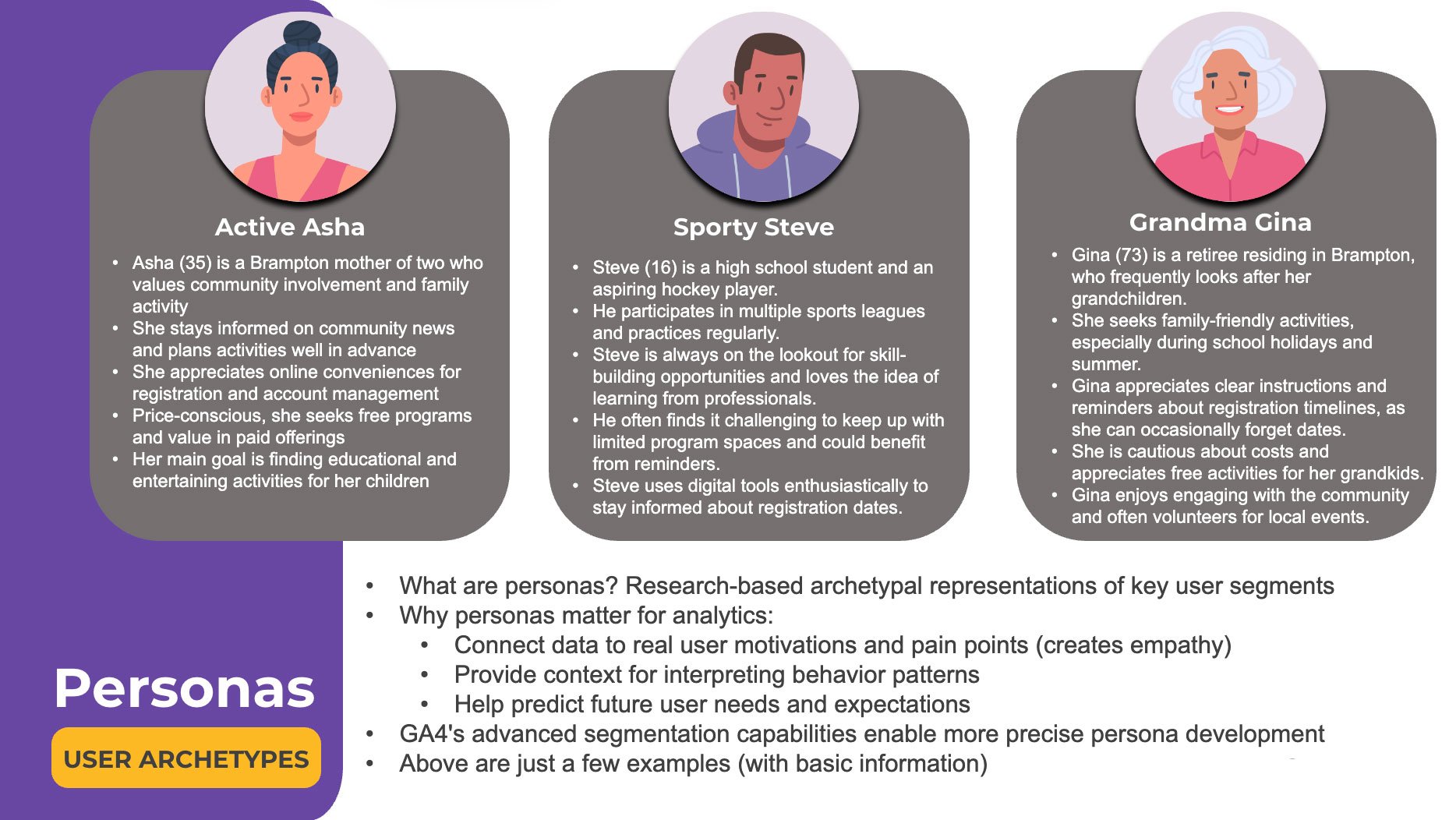
Sample user personas connecting research data to real user motivations, pain points, and behavior patterns.
Digital Wireframes for App Interface
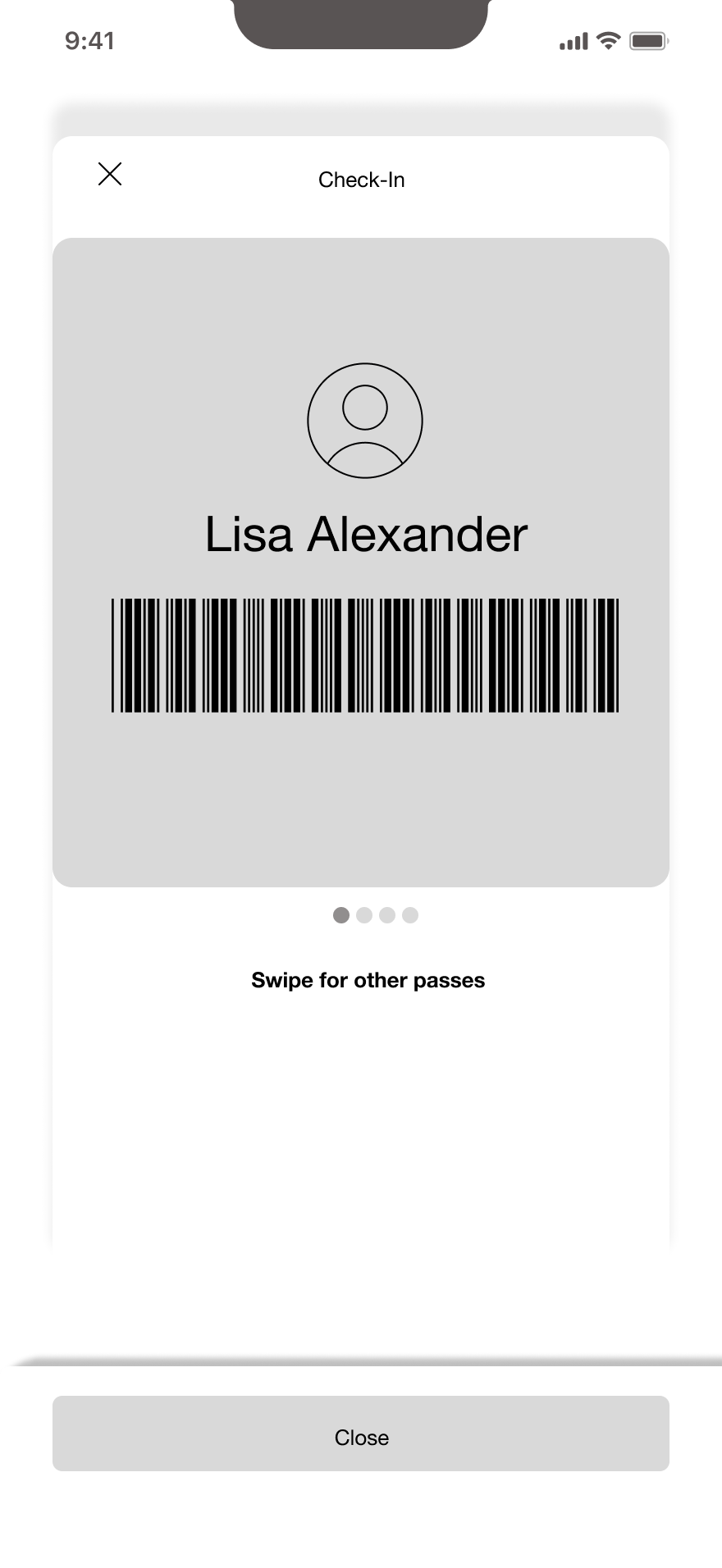
Mid Fidelity
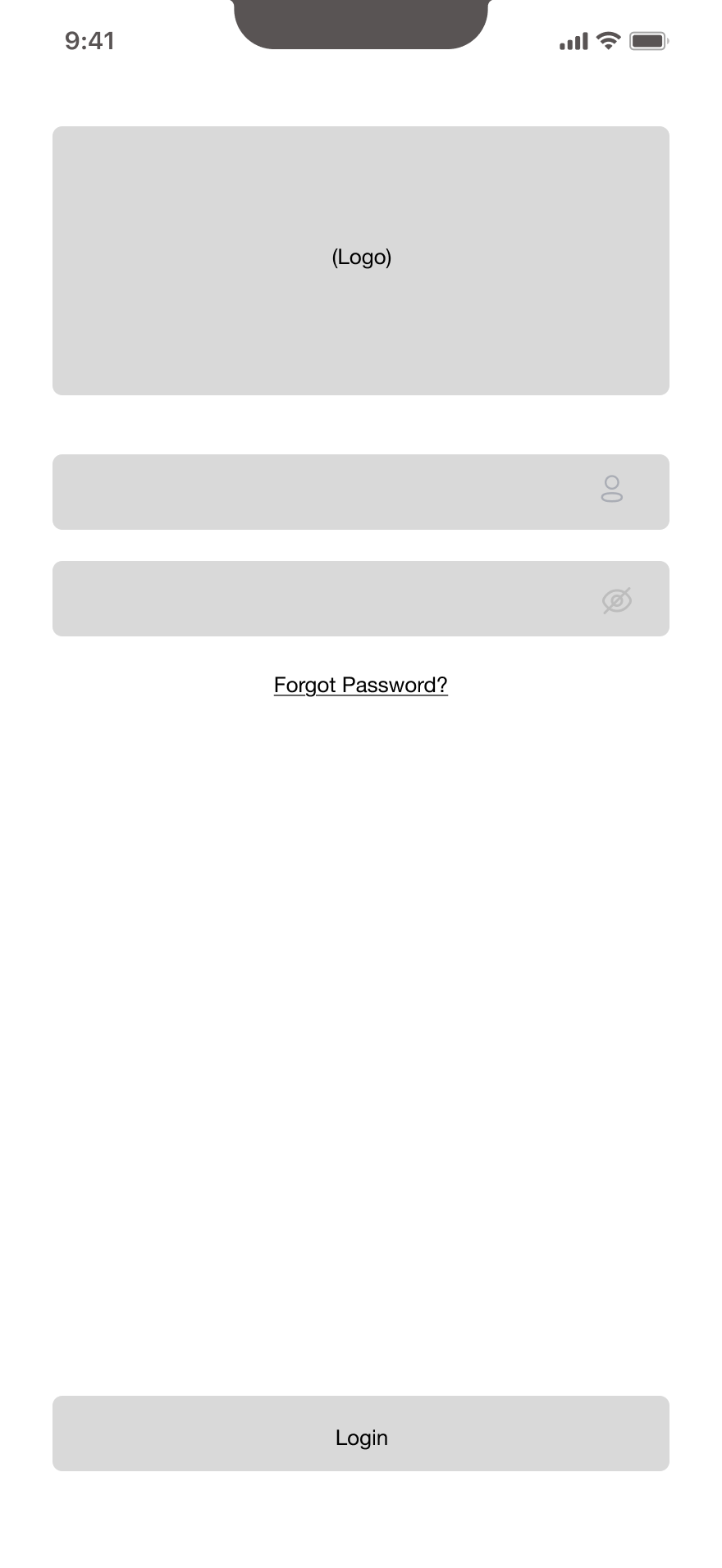
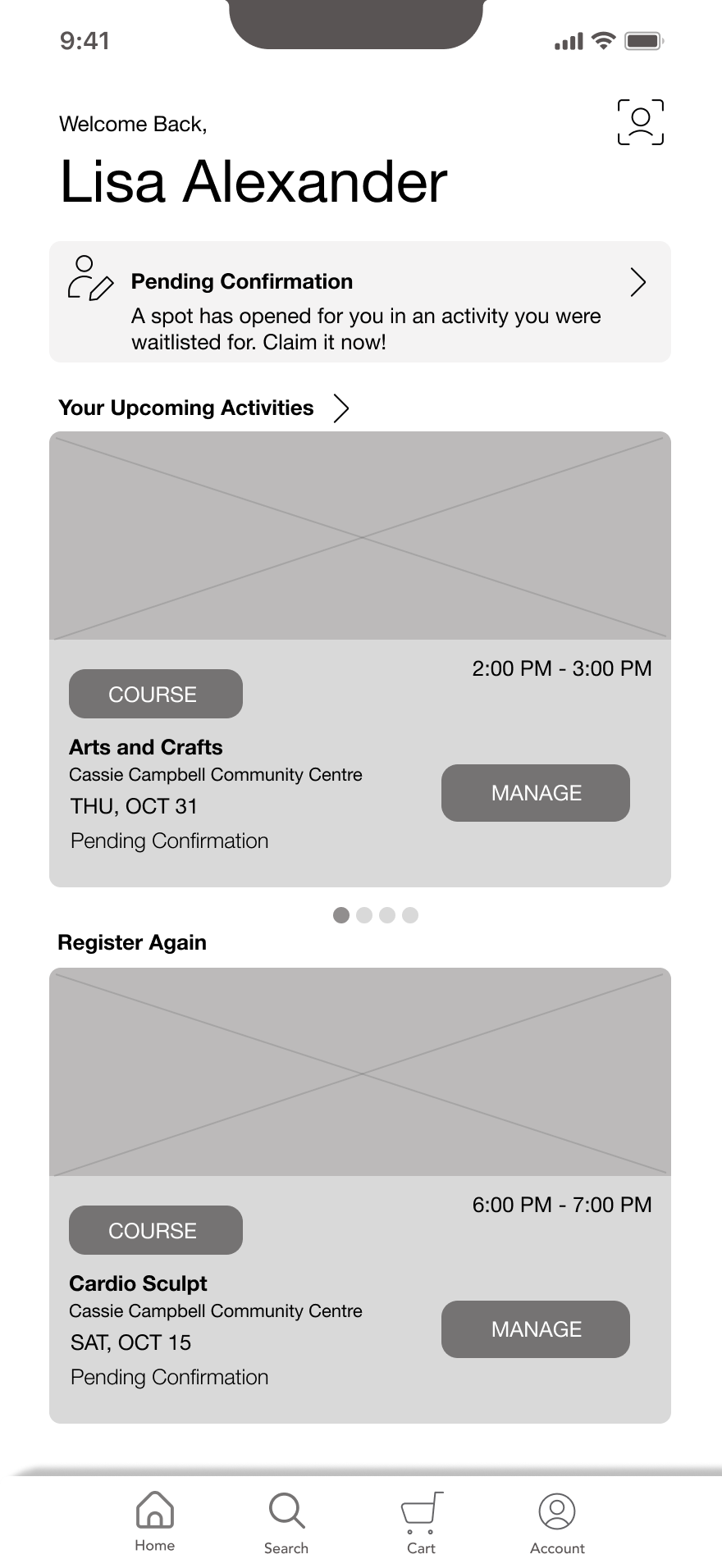
After receiving research findings and analysis from Xplor Recreation, I developed mid-fidelity wireframes to refine the user experience.
Key features tested:
Login flow and password recovery
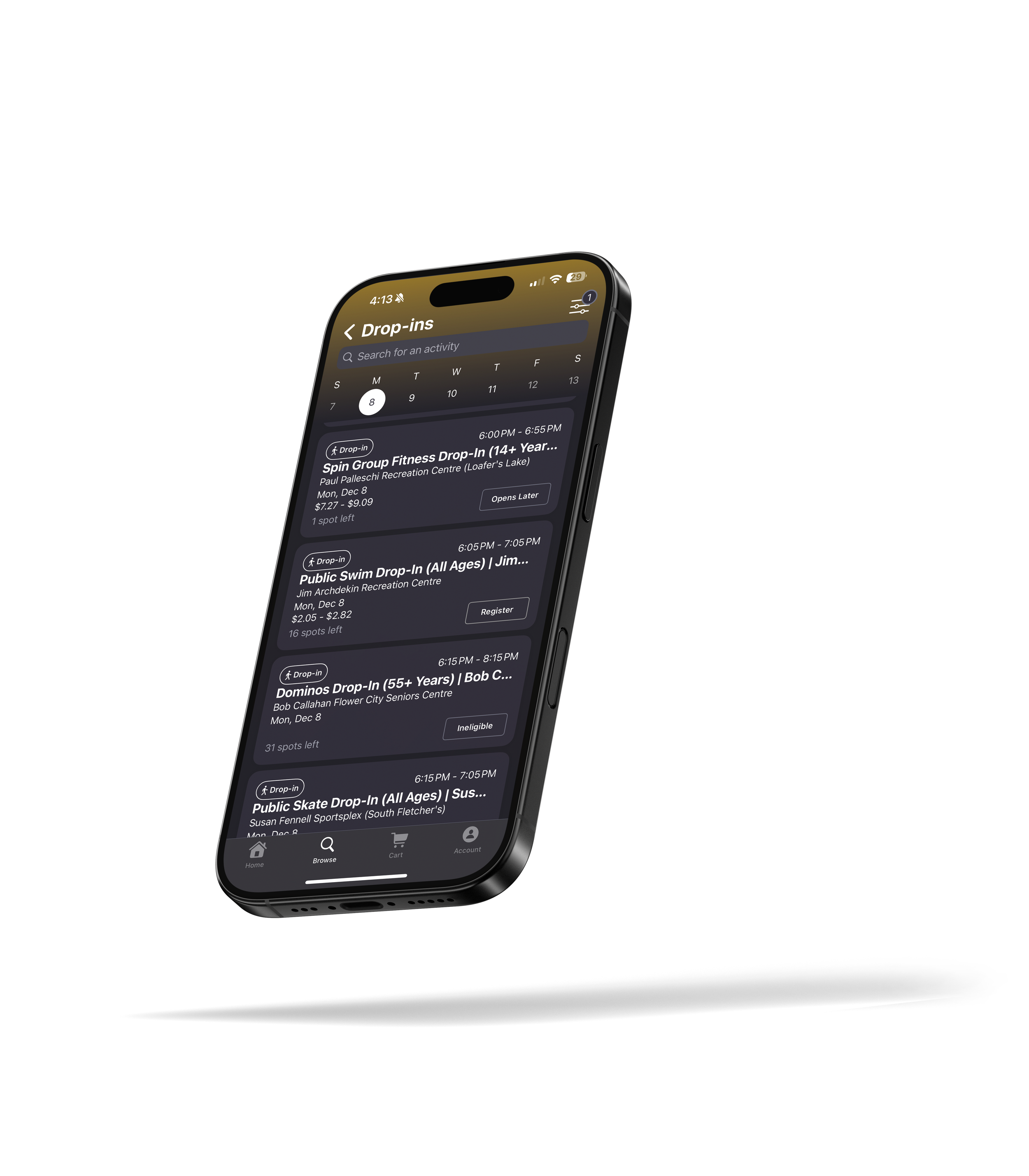
Dashboard layout with activity cards and time slots
Check-in system with barcode scanning
Course management functionality
High Fidelity
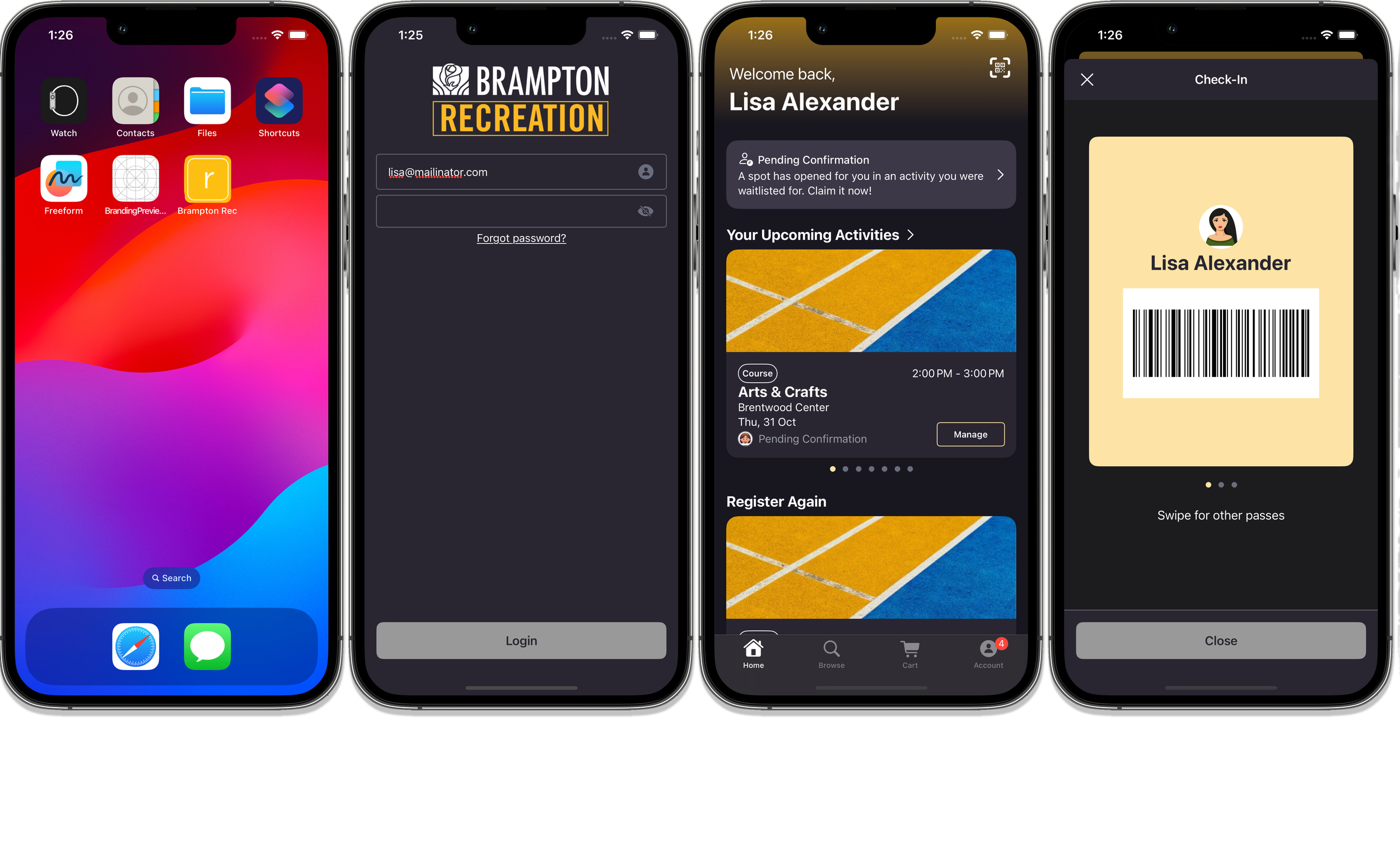
I incorporated the team’s feedback and Brampton Recreation's visual identity into the high-fidelity wireframes, creating a polished interface ready for development.
Visual design elements:
Brampton Recreation's signature yellow and blue color scheme
Dark mode login screen for reduced eye strain
Clean, modern dashboard with personalized greeting
Scannable barcode for seamless facility check-in
Clear visual hierarchy for upcoming activities and course registration
Usability Testing & Community Engagement
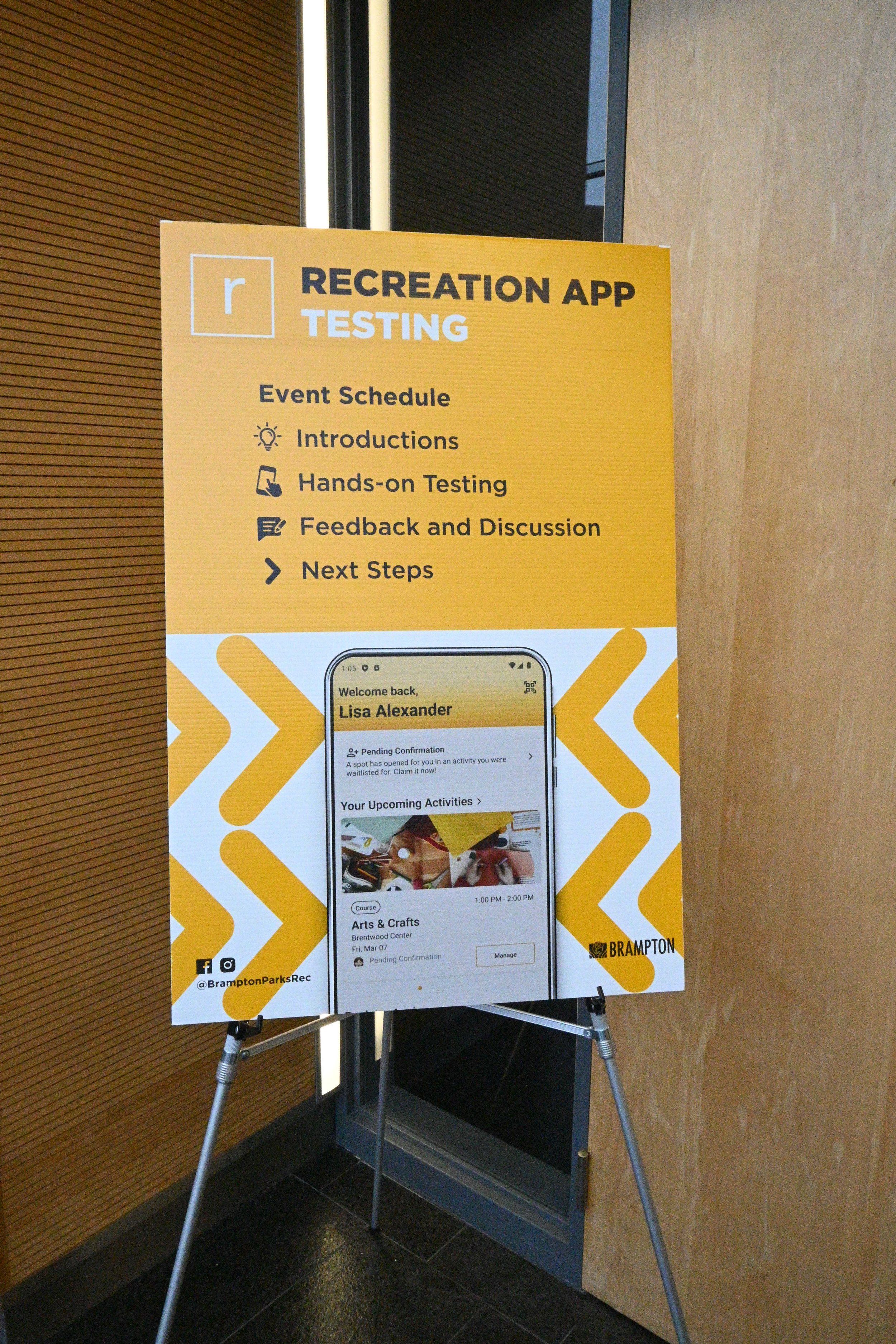
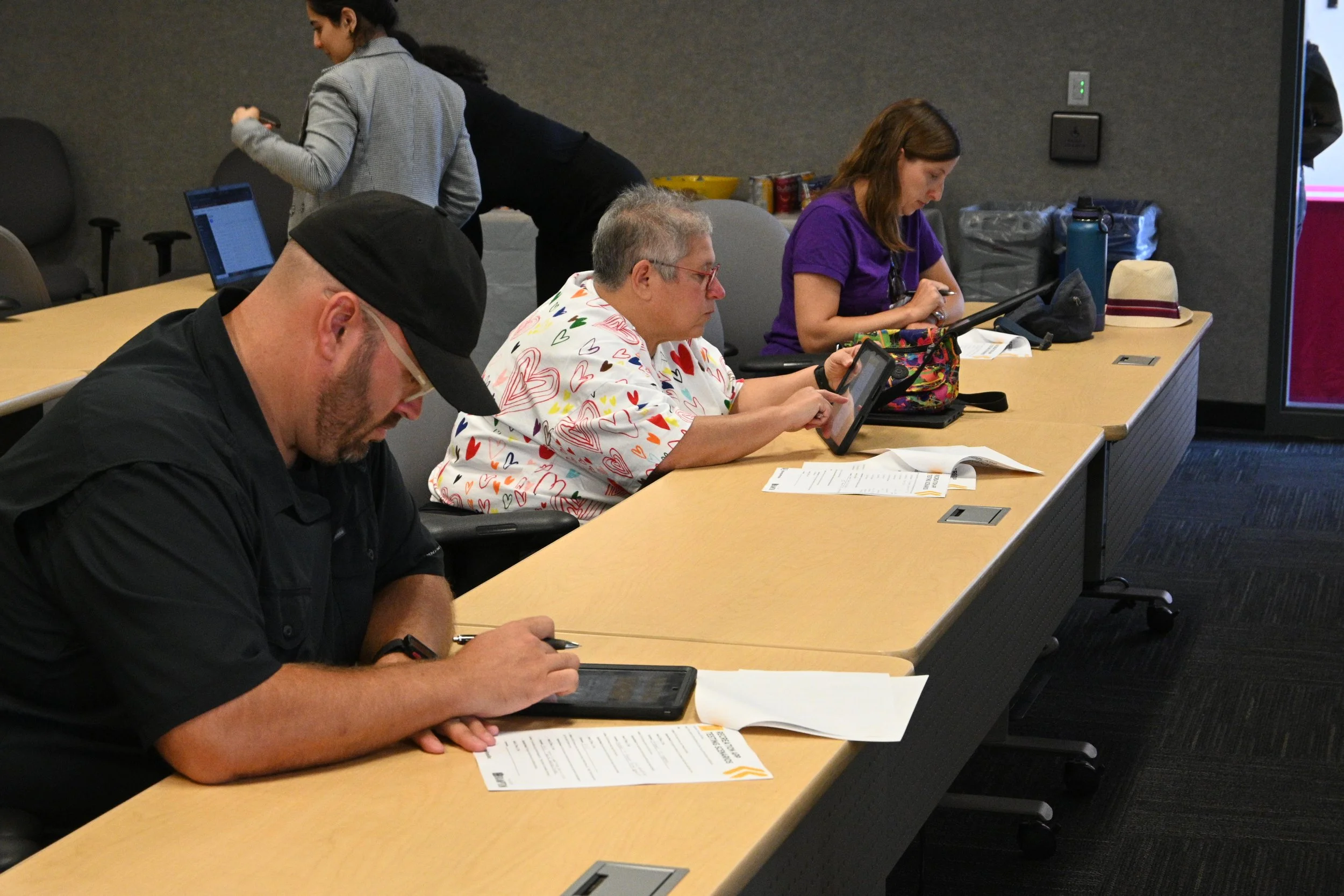
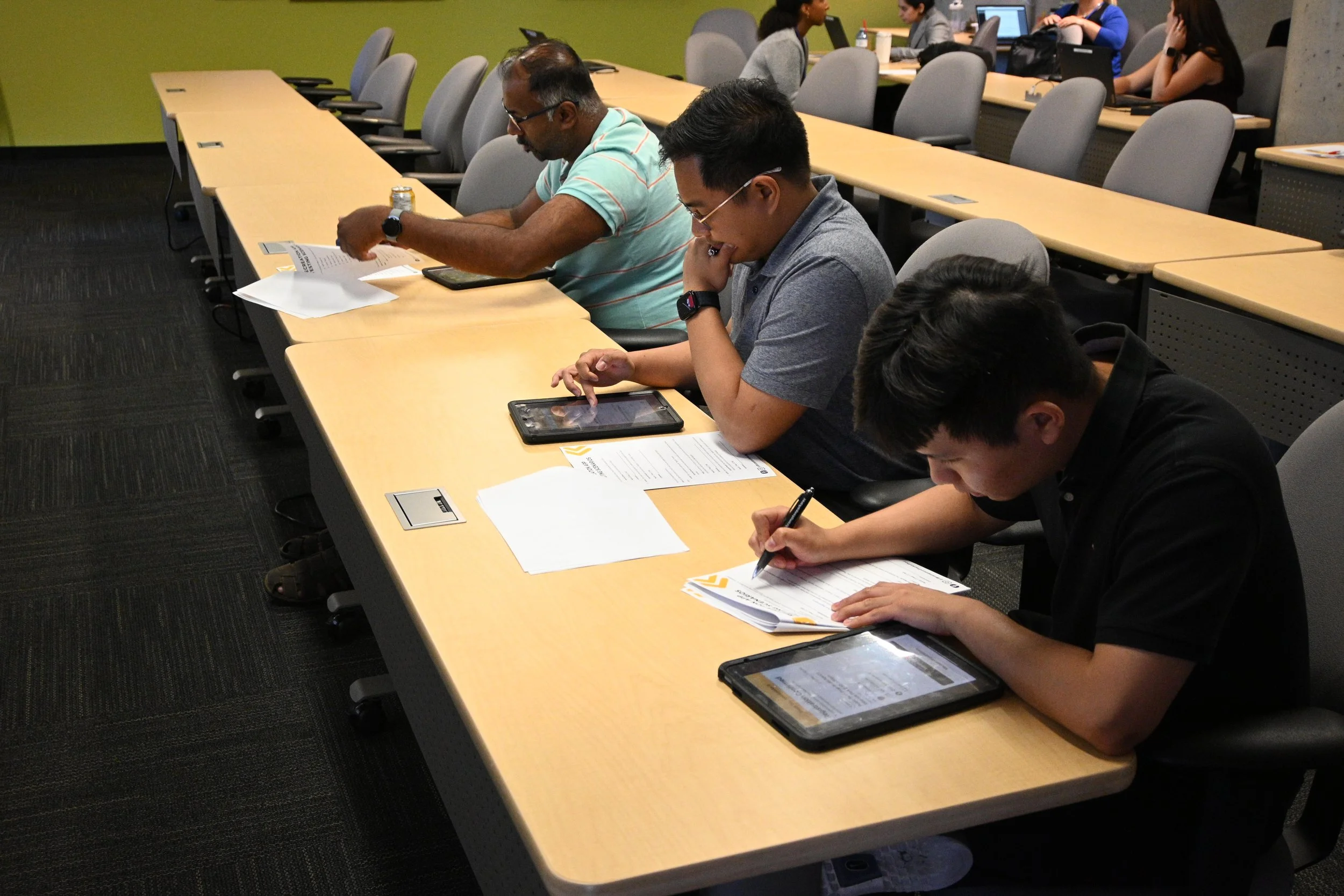
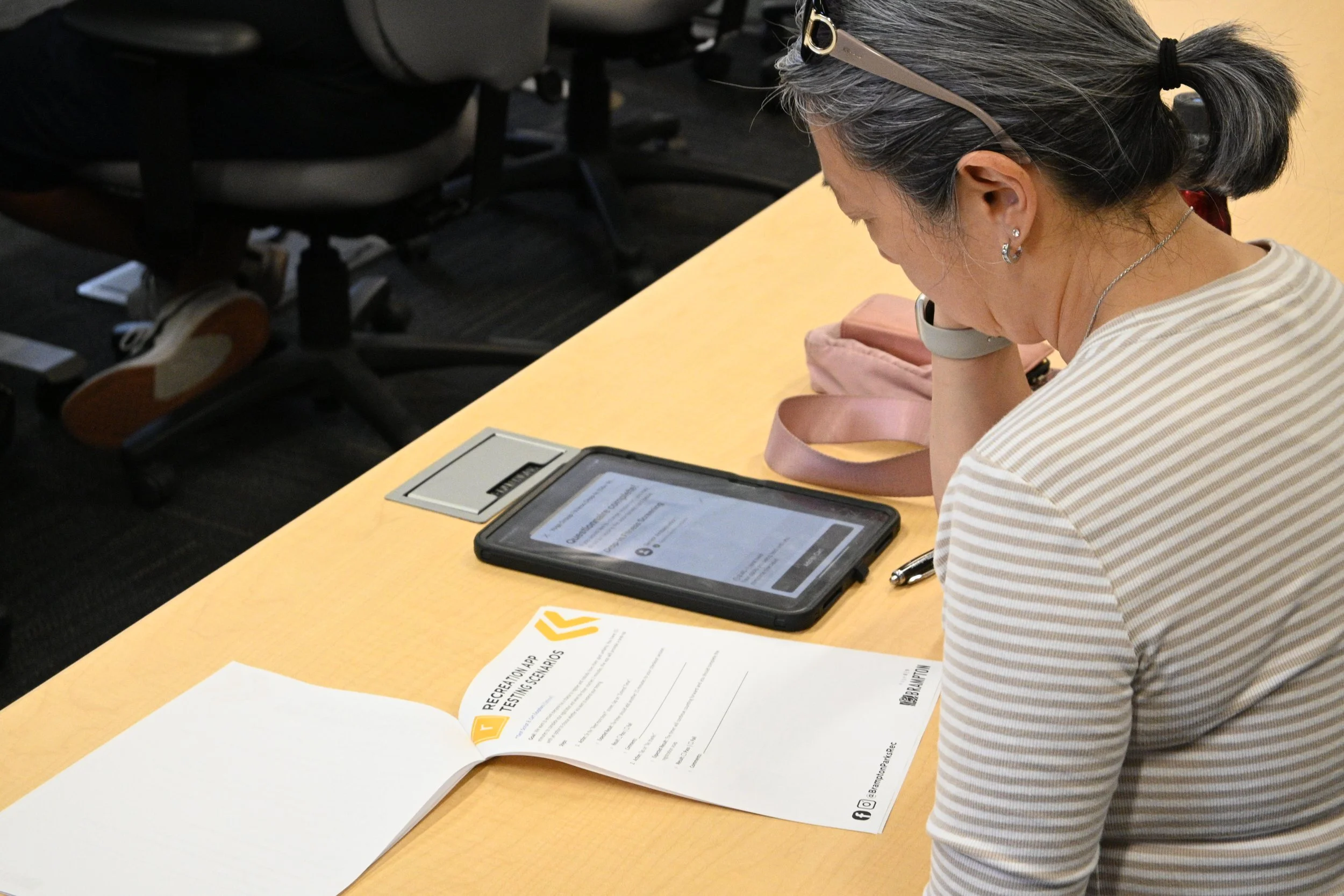
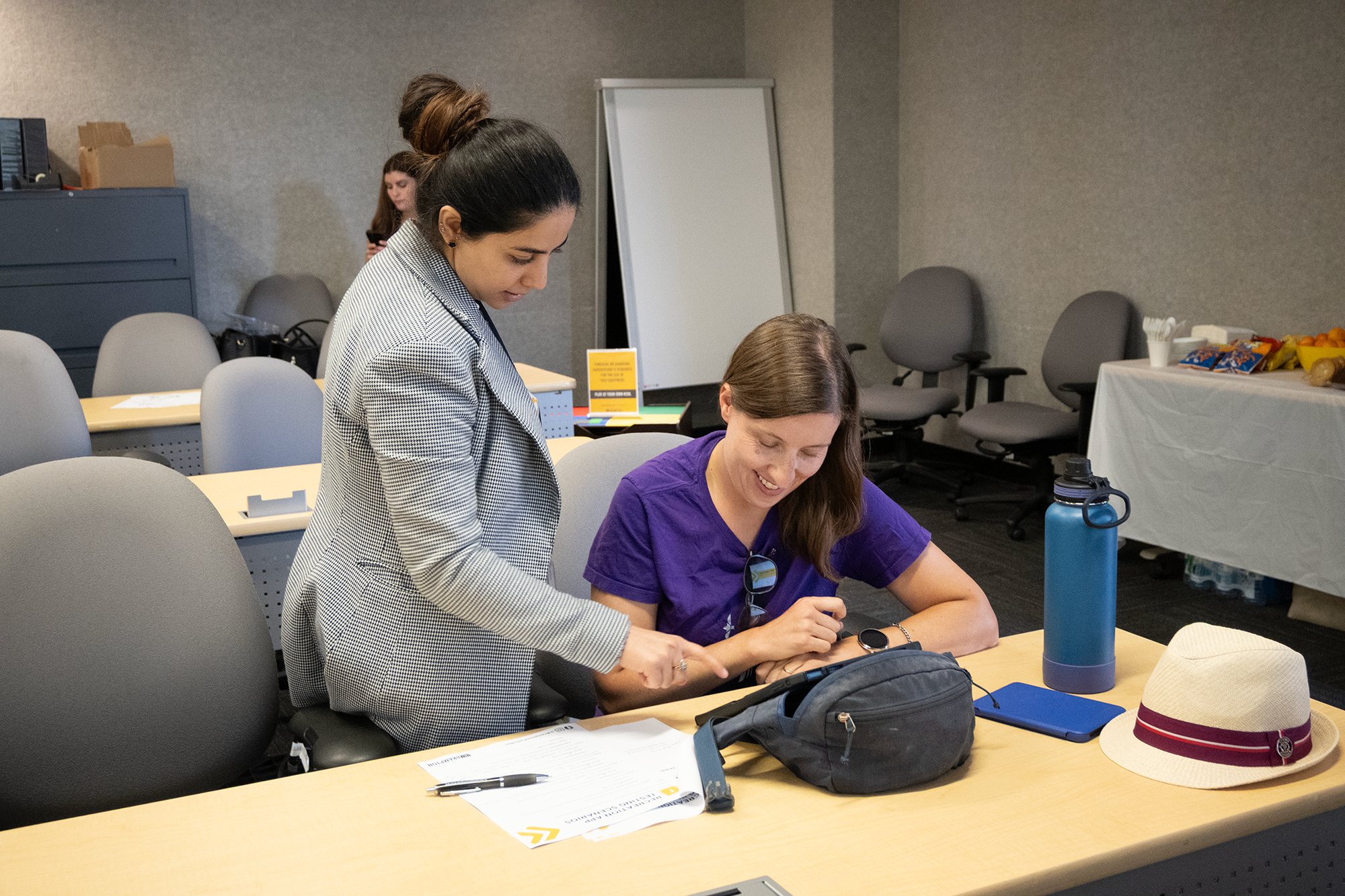
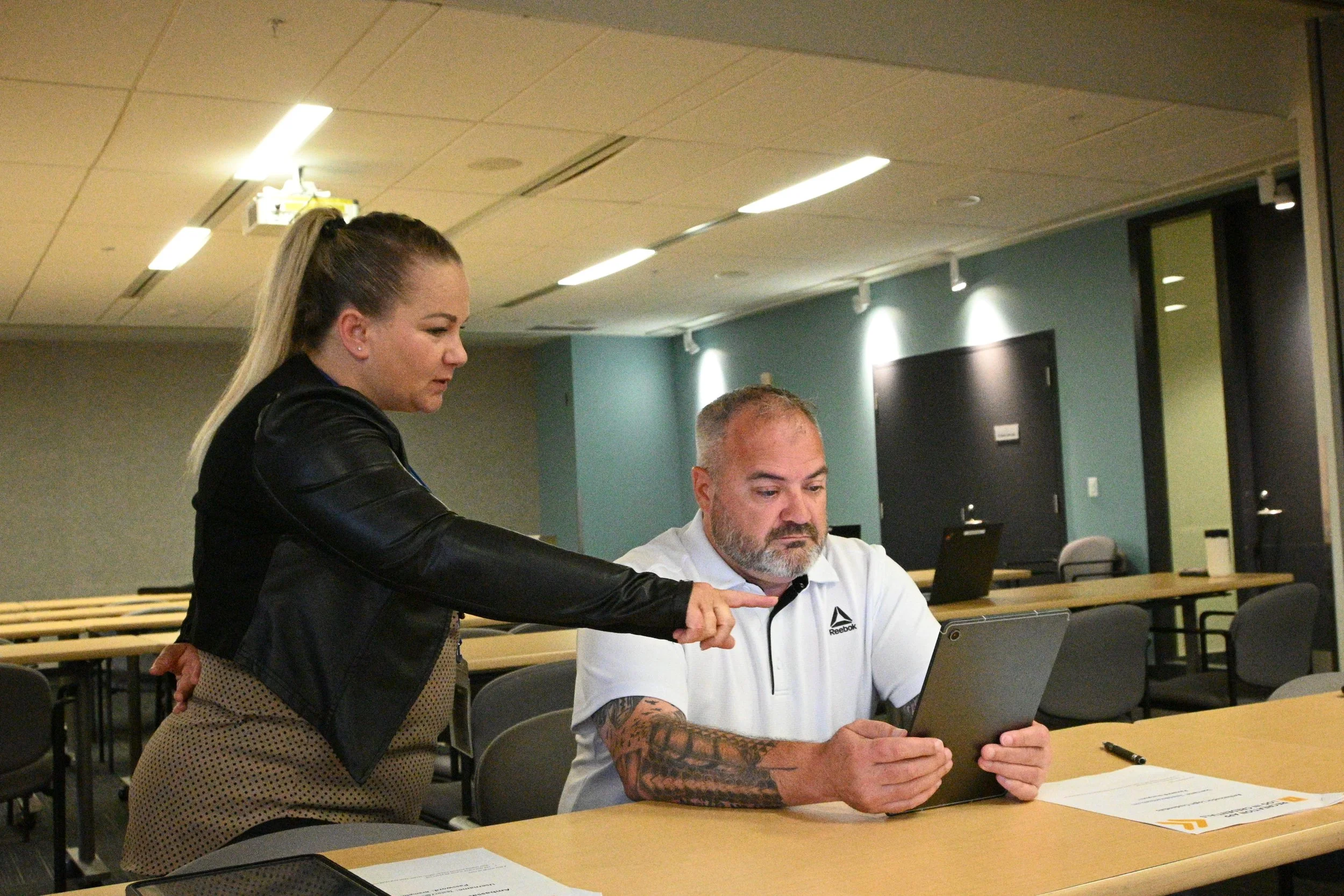
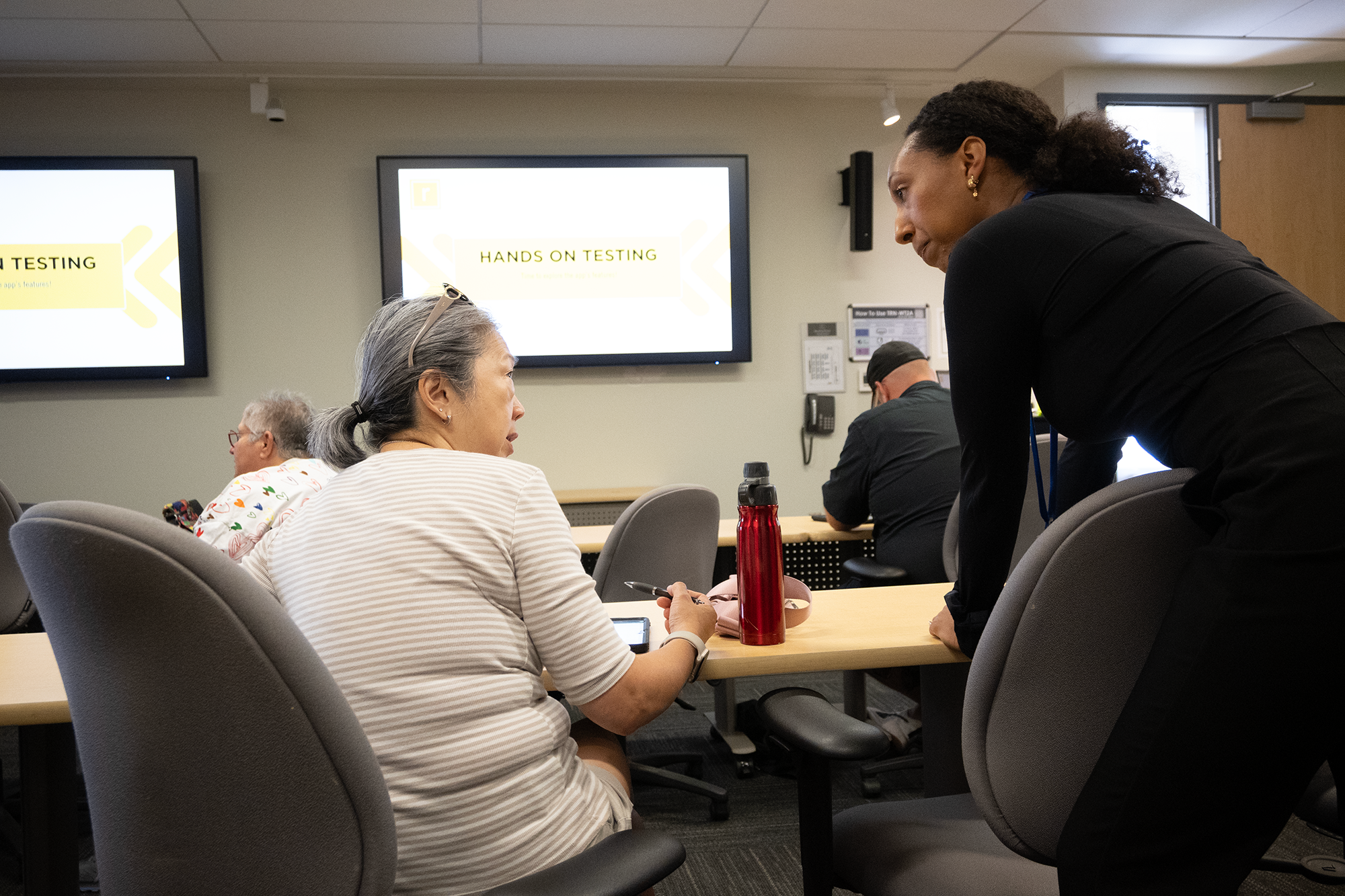
We conducted extensive field testing through two channels: structured focus groups with targeted app ambassadors (through a screening process), and open public testing booths at high-traffic recreation facilities.
This dual approach allowed us to gather both controlled, task-based feedback and organic, real-world usage patterns. Residents tested the app on provided devices, navigating through registration scenarios while we observed pain points and friction areas.
Key Pain Points Identified:
The need for step-by-step video tutorials for first-time users
Discovered accessibility improvements needed for senior users (i.e. checkboxes were missed by users–not enough contrast in the design).
Validated which features required prominent placement vs. secondary navigation (i.e. membership ID should be part of main navigation).
Results
18,000+ downloads since launch date (September 8)
95% online registration adoption rate
Customer wait times reduced by 83% during peak registration
Ability to focus on their holistic community offerings
Enhanced usability and improved communications